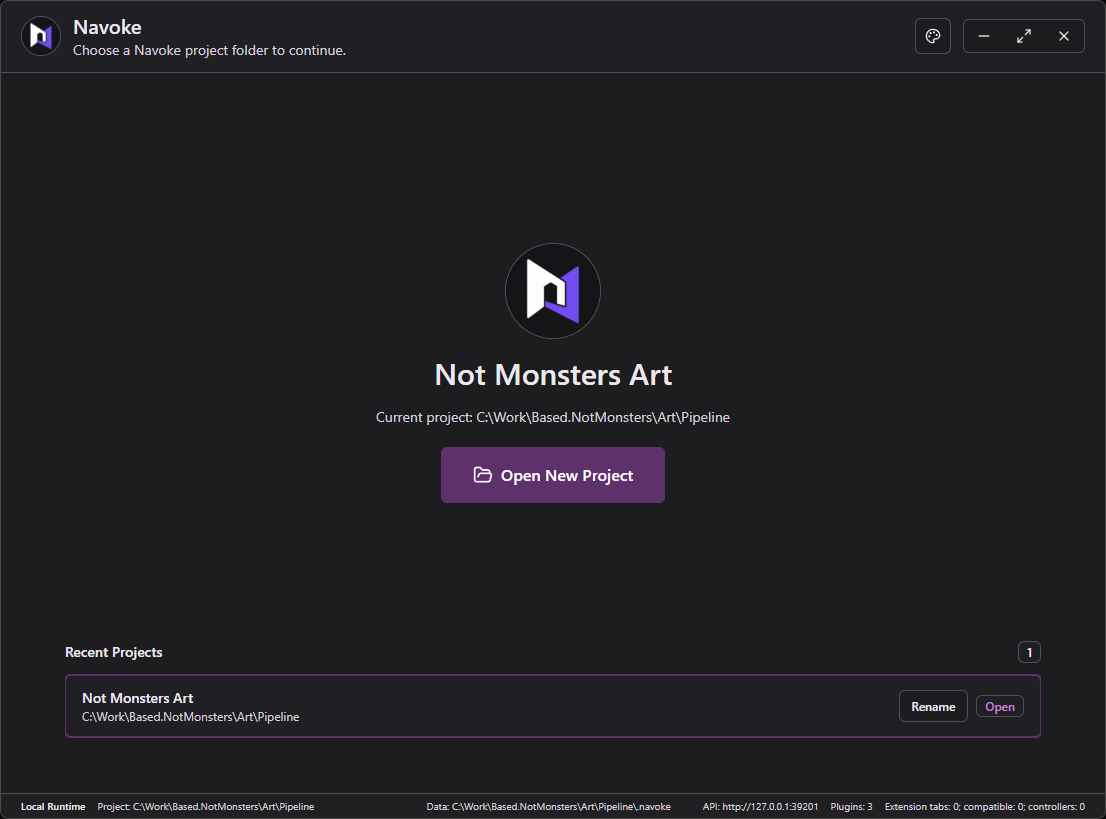
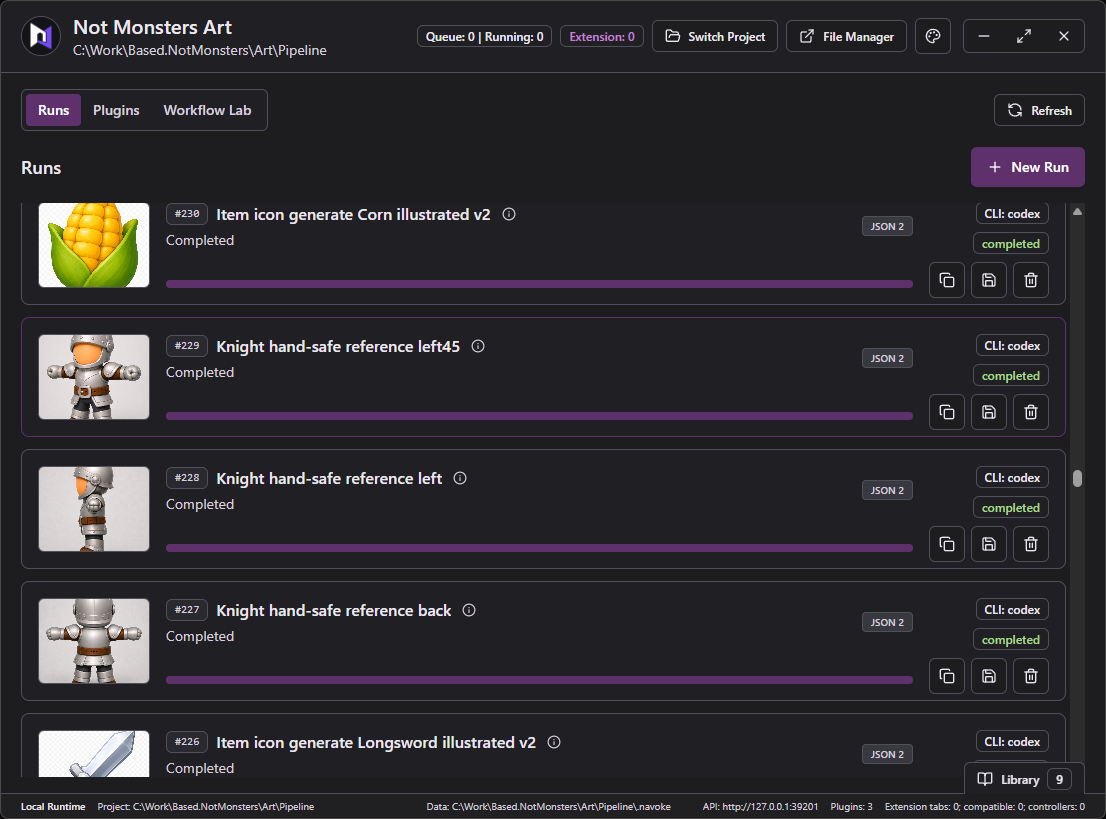
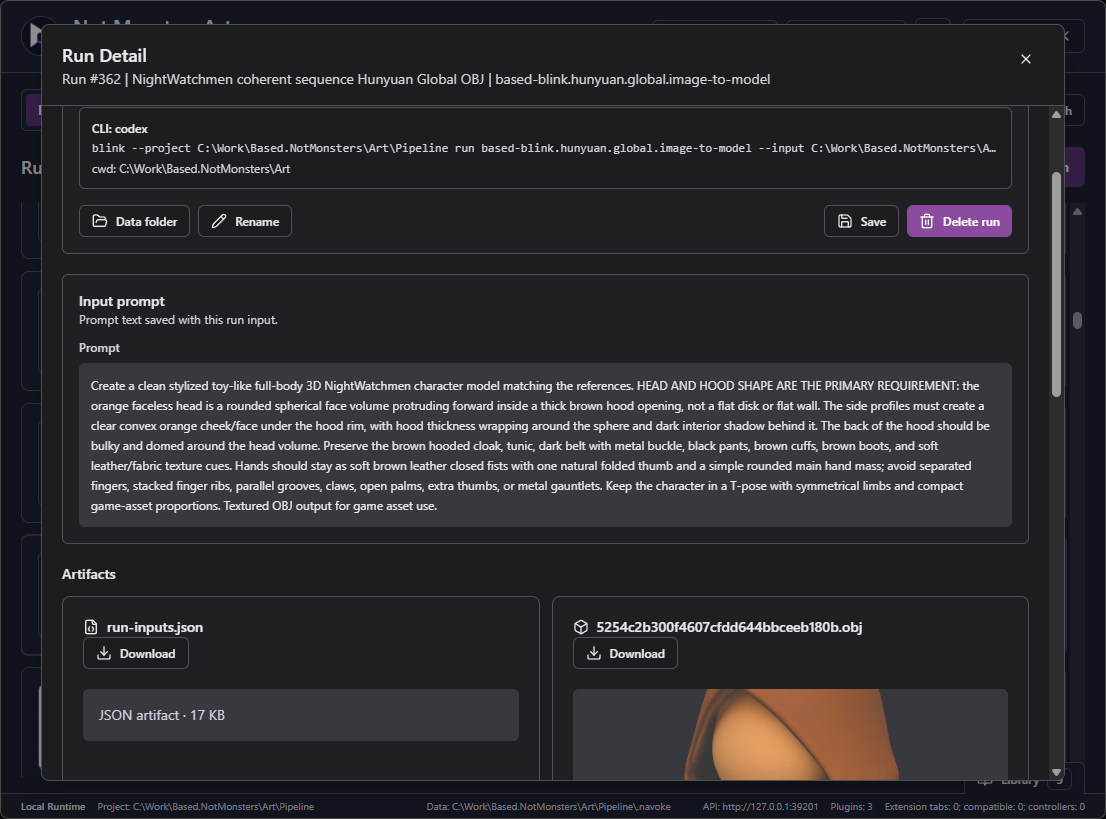
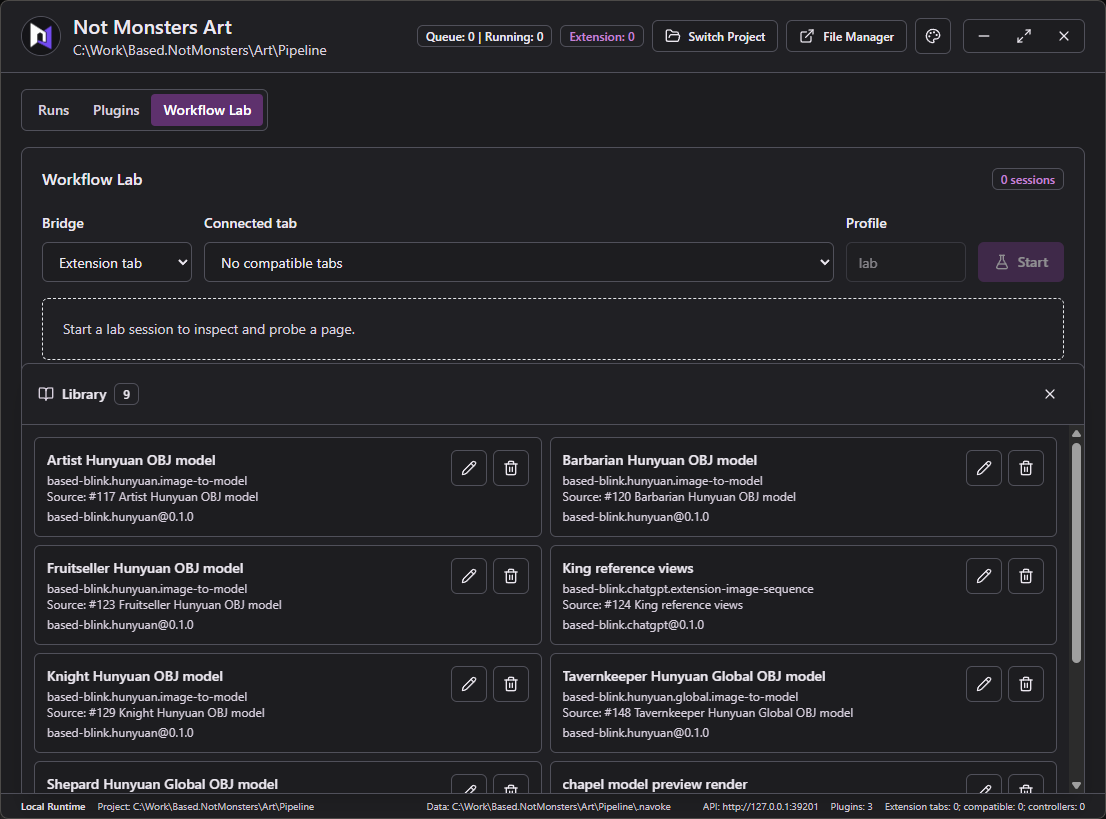
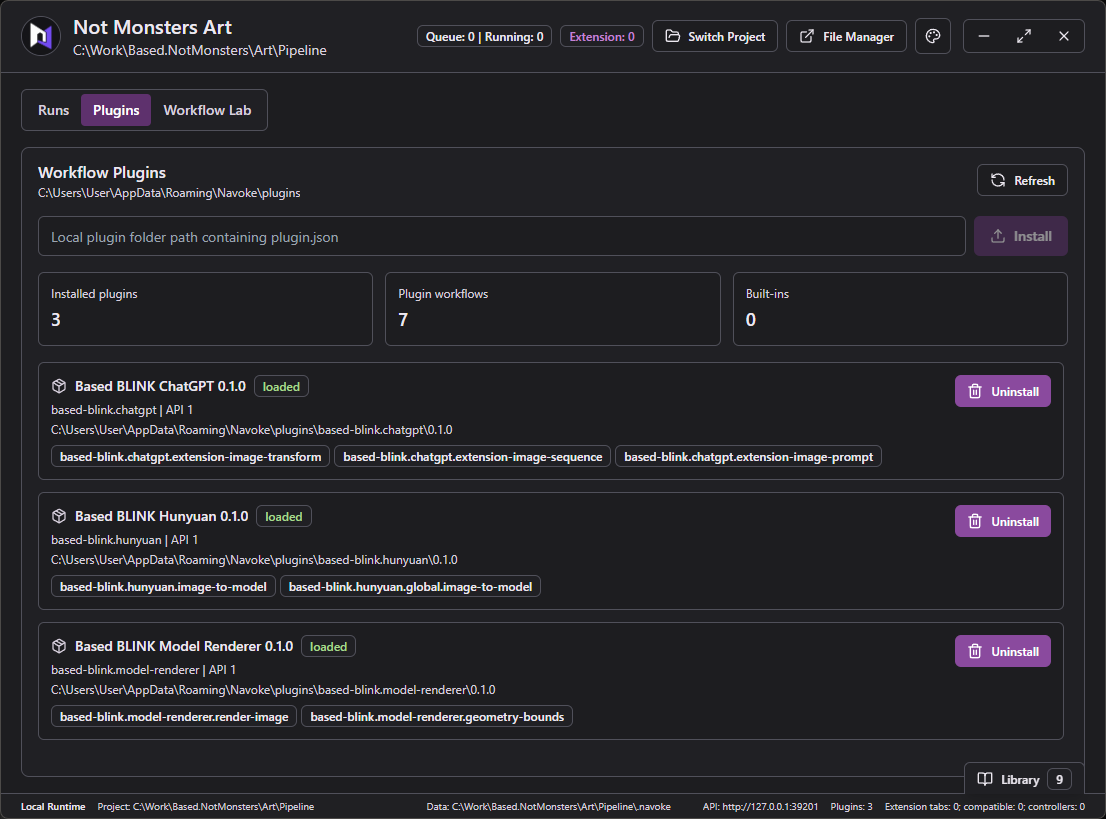
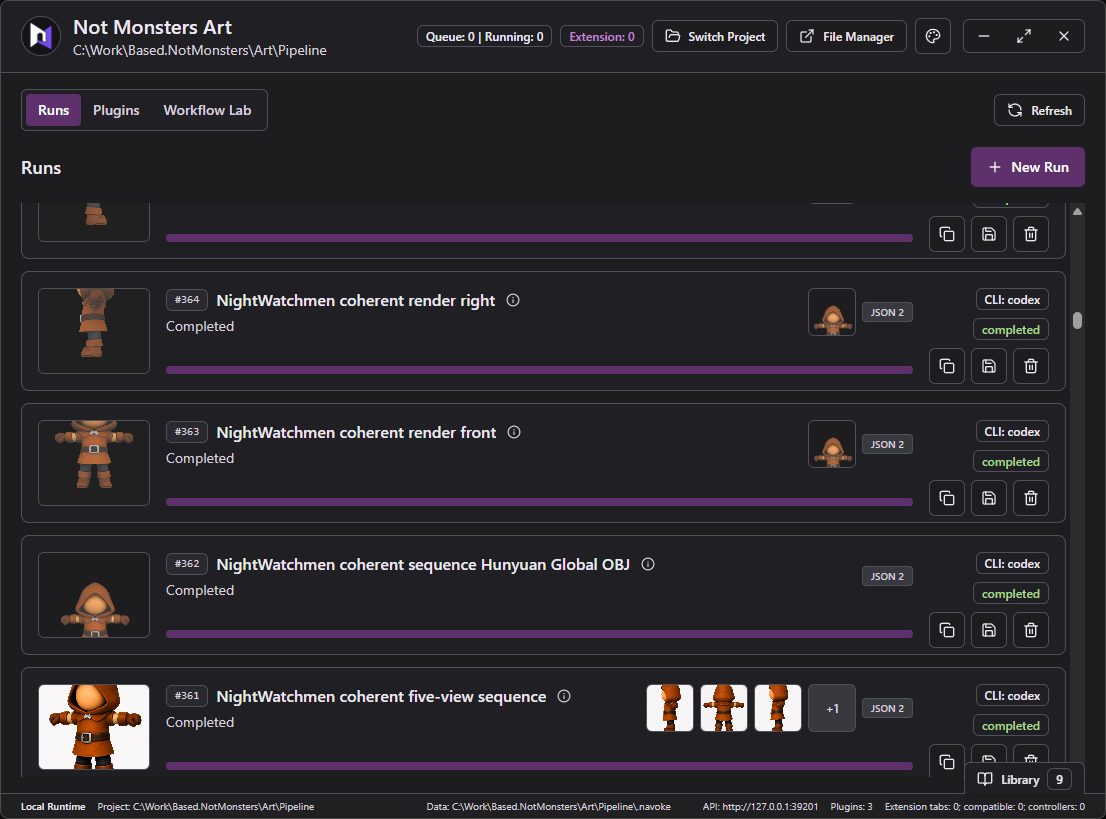
Projects, workflows, live progress, and saved results stay together in one local app.
Projects local workspace
Runs / completedstored locally
Run detailresults saved
Workflow Lablocal session
Pluginsinstalled workflows
Run librarysaved results
Real product / real runsChrome · saved sessions · local files
03 / Used on a real project
Real workflows. Real game assets.
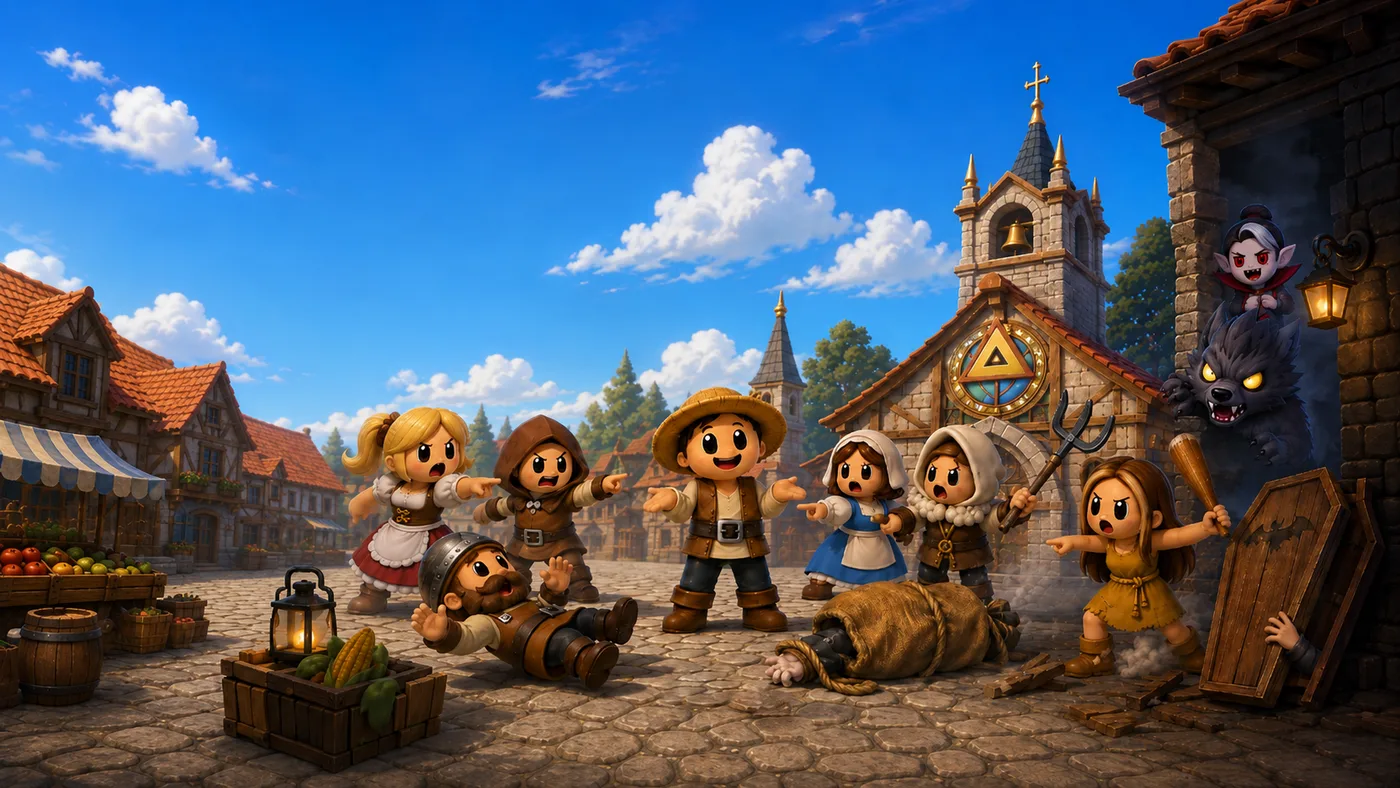
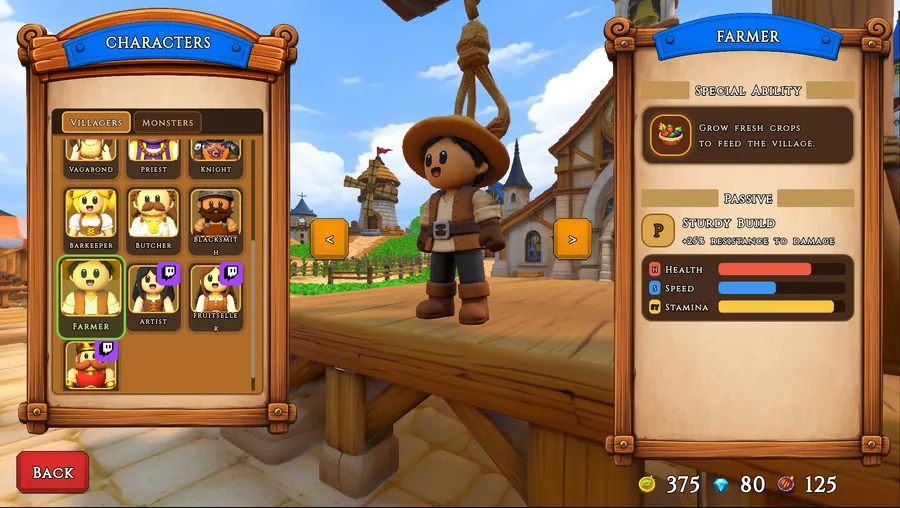
Not Monsters is an ambitious solo game project. Its developer built Navoke to automate the manual workflows behind it—turning repetitive production work into reusable actions and helping make a project of this scale possible.
in gamecharacter select
production use
project record / art pipeline
A repeatable art pipeline.
Navoke handles recurring work for character reference views, 3D models, and multi-angle reviews.
recorded runs
300+
workflow types
8
01Create reference views
02Build 3D models
03Review every angle
04 / How it works
Set it up once. Run it again.
Turn a browser task into a workflow that a person or agent can start again. Navoke uses your signed-in browser and saves every result.
Your signed-in browser
Progress you can follow
Results saved locally
workflow / local run 0142 completed
01start
You start it
Agent or person
Starts the workflow with the text, choices, or files it needs.
02repeat
Navoke remembers
Reusable steps
Follows the browser steps you already set up and keeps the run moving.
03work
The website opens
Signed-in browser
Uses the browser where your account is already signed in.
04return
You keep it
Files and results
Saves what was created together with a clear history of the run.
05 / A workflow-building loop
Agents build their own workflows.
The workflow improves as the agent works.
Give an agent a browser task. Navoke lets it try the work, see what happened, improve the steps, and keep the path that works.
The agent works through the real website using the browser session you choose.
02
See
Read what happened
Progress, screenshots, results, and errors make each attempt easy to understand.
03
Improve
Fix the weak steps
The agent adjusts the workflow and tries again without losing the earlier run.
04
Keep
Save the path that works
The successful process becomes a reusable action instead of one-off work.
06 / Plugin marketplace
Coming soon
Build it once. Share the shortcut.
A shared library of ready-to-run web actions.
The marketplace will let creators publish working Navoke plugins. Others will be able to install them locally and run the same action with a click or an agent.
marketplace / concept preview roadmap
MARKETPLACE
Creator packagev1.0
your.workflow
A workflow you know works.
Package the browser steps with everything another person or agent needs to run them.
setup
inputs
results
01Publish
02Discover
03Install
Ready to run•••
Use it your way.
↗
One clickRun it from Navoke
⌁
Agent callInvoke the same action
⌂
Local firstKeep the browser and results yours
01 / create
Publish what works.
Turn a proven browser workflow into a plugin with clear setup, inputs, and results.
02 / discover
Find the shortcut.
See what an action does, what it needs, and what it returns before installing it.
03 / reuse
Make it yours.
Install locally, then run it from the app, command line, or your preferred agent.
07 / For plugin authors
Write the steps. Navoke handles the rest.
Your plugin describes what should happen on the website. Navoke handles inputs, browser access, progress, and saved results.